
Fast-Https 可以运行在主流的 Linux 平台上。下面以 CentOS 7.9 为例说明安装过程。
# 创建软件目录
$ mkdir /soft
$ cd /soft

# 下载对应版本
$ wget https://gitee.com/ncepu-bj/fast-https/releases/download/v1.0/fast-https_Linux_x86_64.tar.gz

# 解压到安装目录
$ tar -xzvf fast-https_Linux_x86_64.tar.gz -C /usr/local/fasthttps
$ cd /usr/local/fasthttps/
$ chmod 755 ./fast-https
查看配置文件:
$ cat ./config/fast-https.json
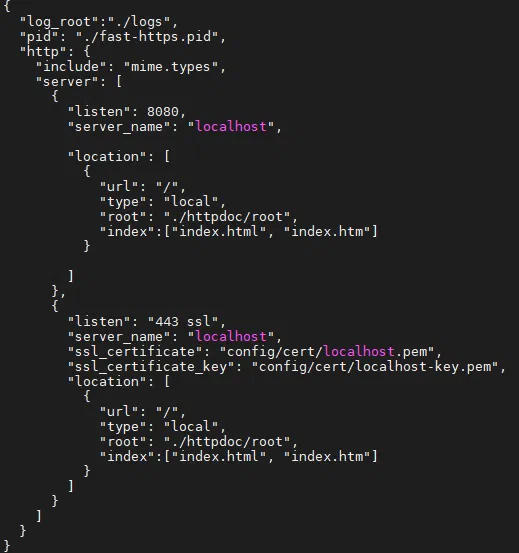
如果从远程浏览器访问服务器,请把
server_name 改为服务器 IP,例如 "server_name": "192.168.11.166"。为避免端口冲突,示例中已将 443 改为 1443(可保持 443)。服务器启动:
$ ./fast-https
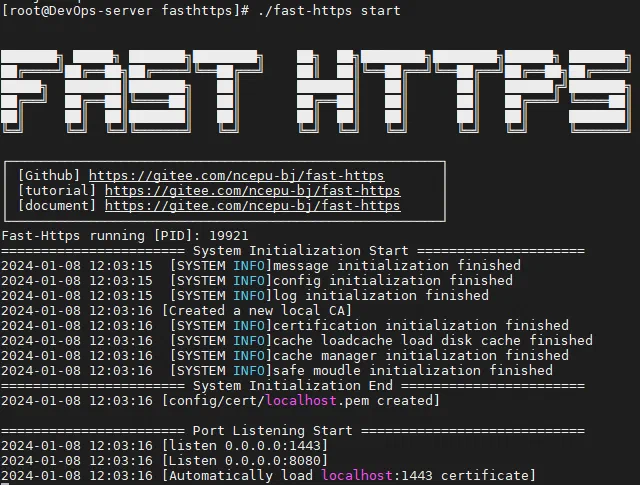
生产环境建议后台运行:
$ nohup ./fast-https &
测试默认站点:
$ curl http://localhost:8080
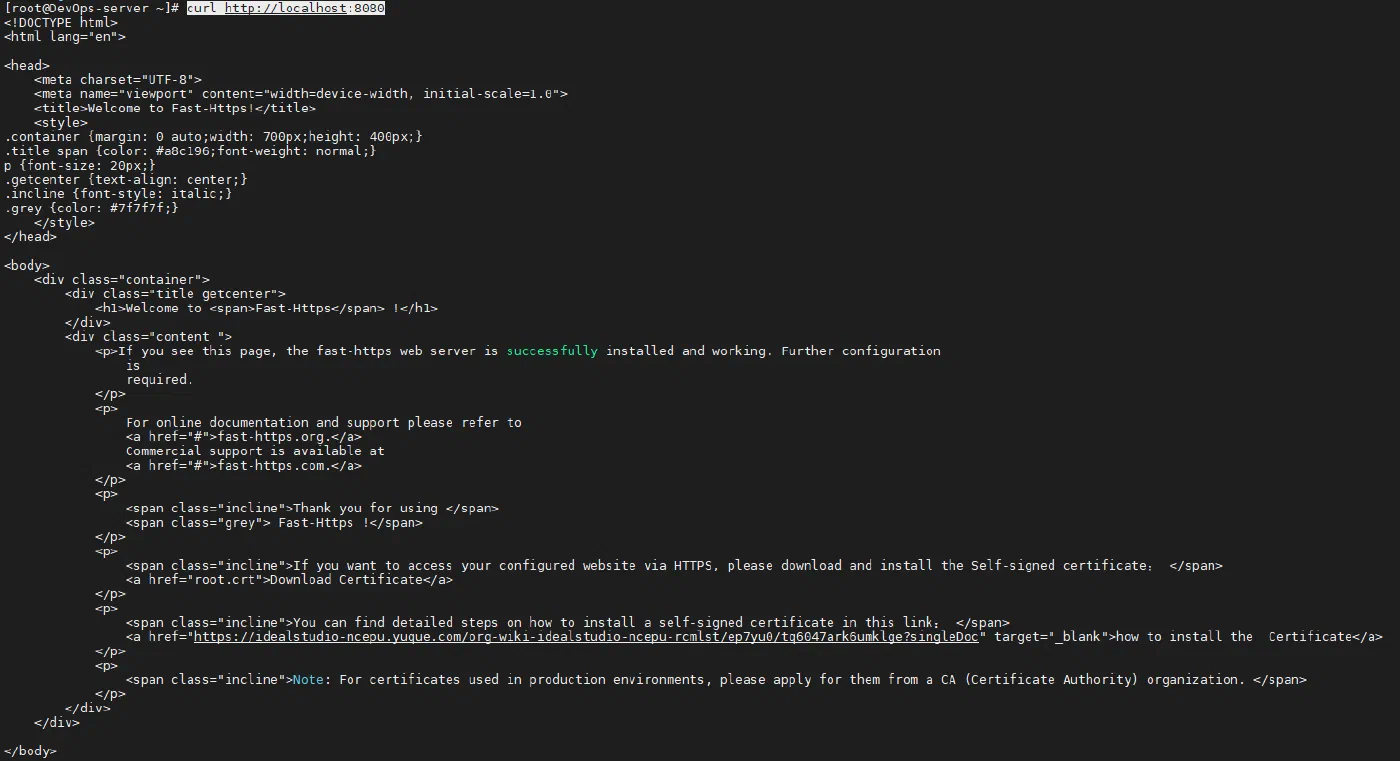
在浏览器输入 http://ip:8080/index.html 即可看到默认启动页面,至此 CentOS 上的安装完成。