
压缩包安装
从发行页 gitee.com/ncepu-bj/fast-https/releases 下载 fast-https_Windows_x86_64.zip,
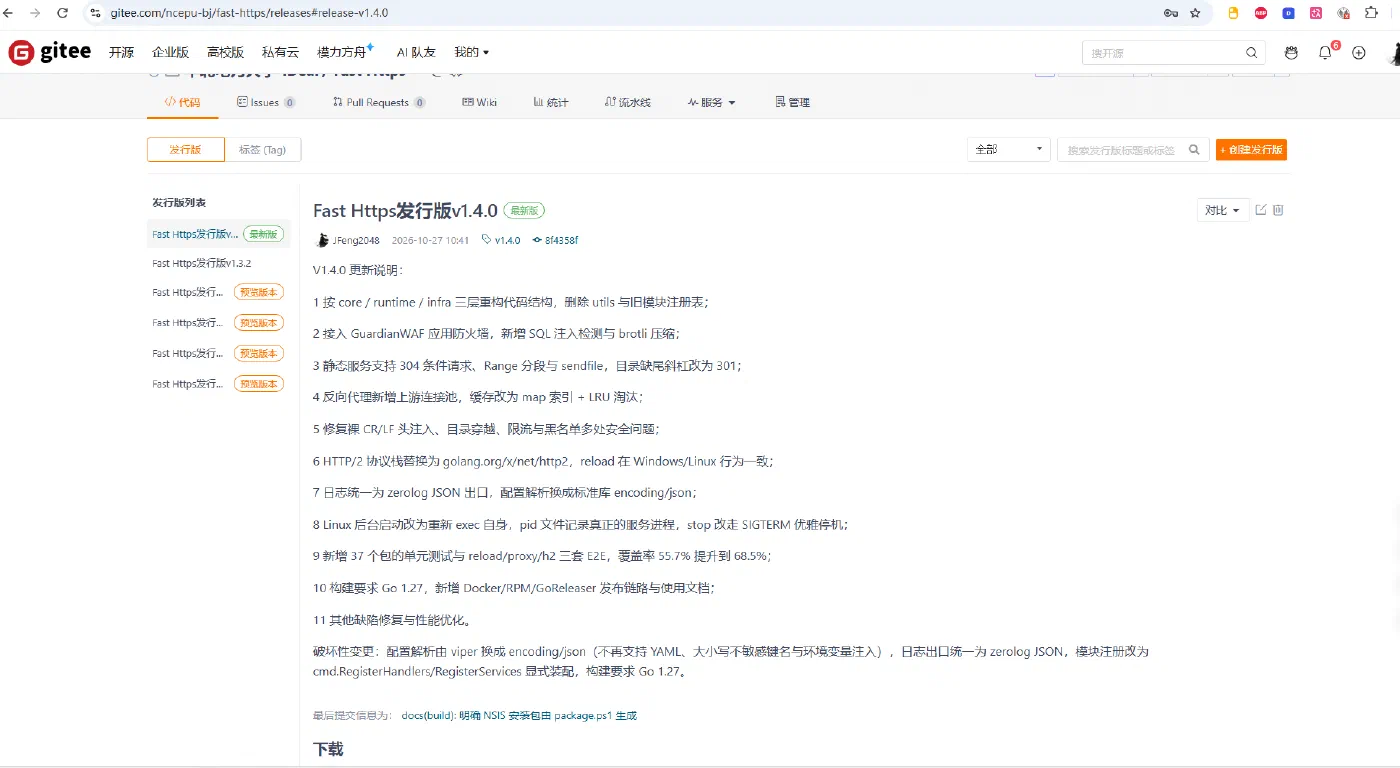
解压到任意目录即可使用,无需安装程序,删除目录即完成卸载。
1 解压压缩包
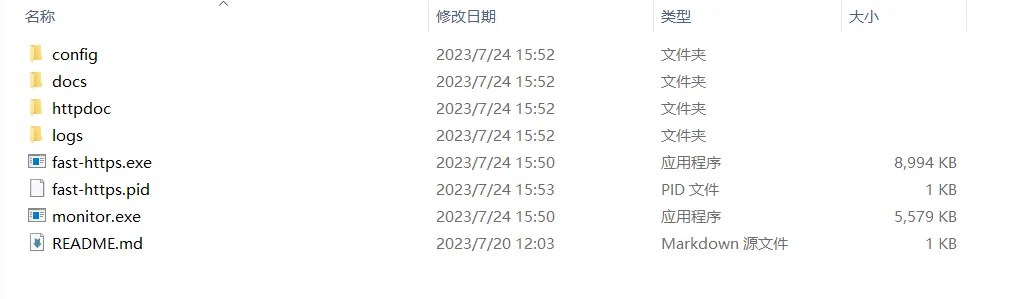
2 修改默认配置文件
在 config 目录下打开 fast-https.json 进行站点配置:
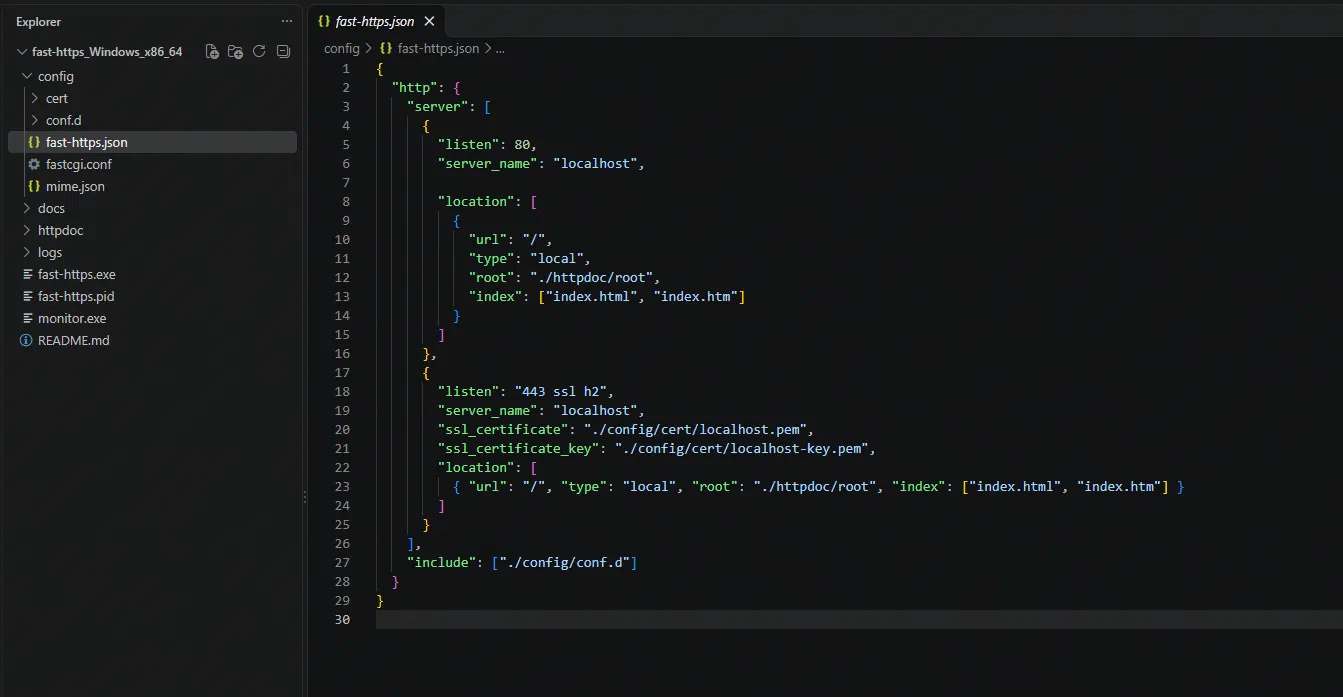
默认配置示例如下:
{
  "http": {
    "server": [
      {
        "listen": 80,
        "server_name": "localhost",

        "location": [
          {
            "url": "/",
            "type": "local",
            "root": "./httpdoc/root",
            "index": ["index.html", "index.htm"]
          }
        ]
      },
      {
        "listen": "443 ssl h2",
        "server_name": "localhost",
        "ssl_certificate": "./config/cert/localhost.pem",
        "ssl_certificate_key": "./config/cert/localhost-key.pem",
        "location": [
          { "url": "/", "type": "local", "root": "./httpdoc/root", "index": ["index.html", "index.htm"] }
        ]
      }
    ],
    "include": ["./config/conf.d"]
  }
}
3 启动服务器
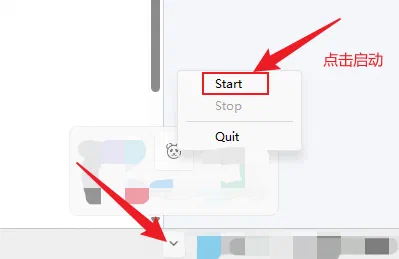
打开 monitor.exe 启动管理程序:
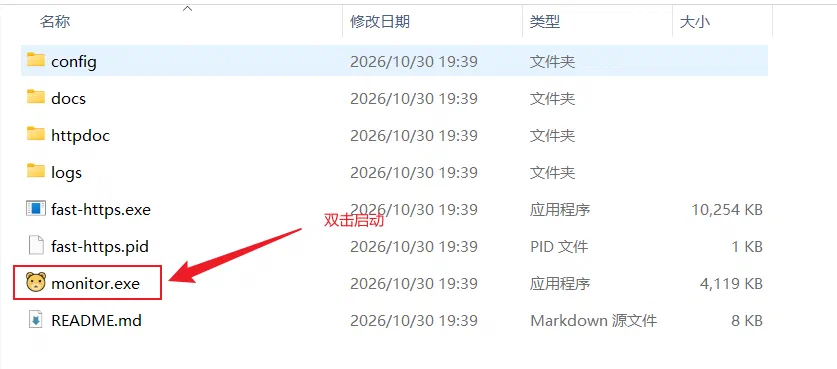
之后点击任务栏右下角的托盘图标:
4 验证安装
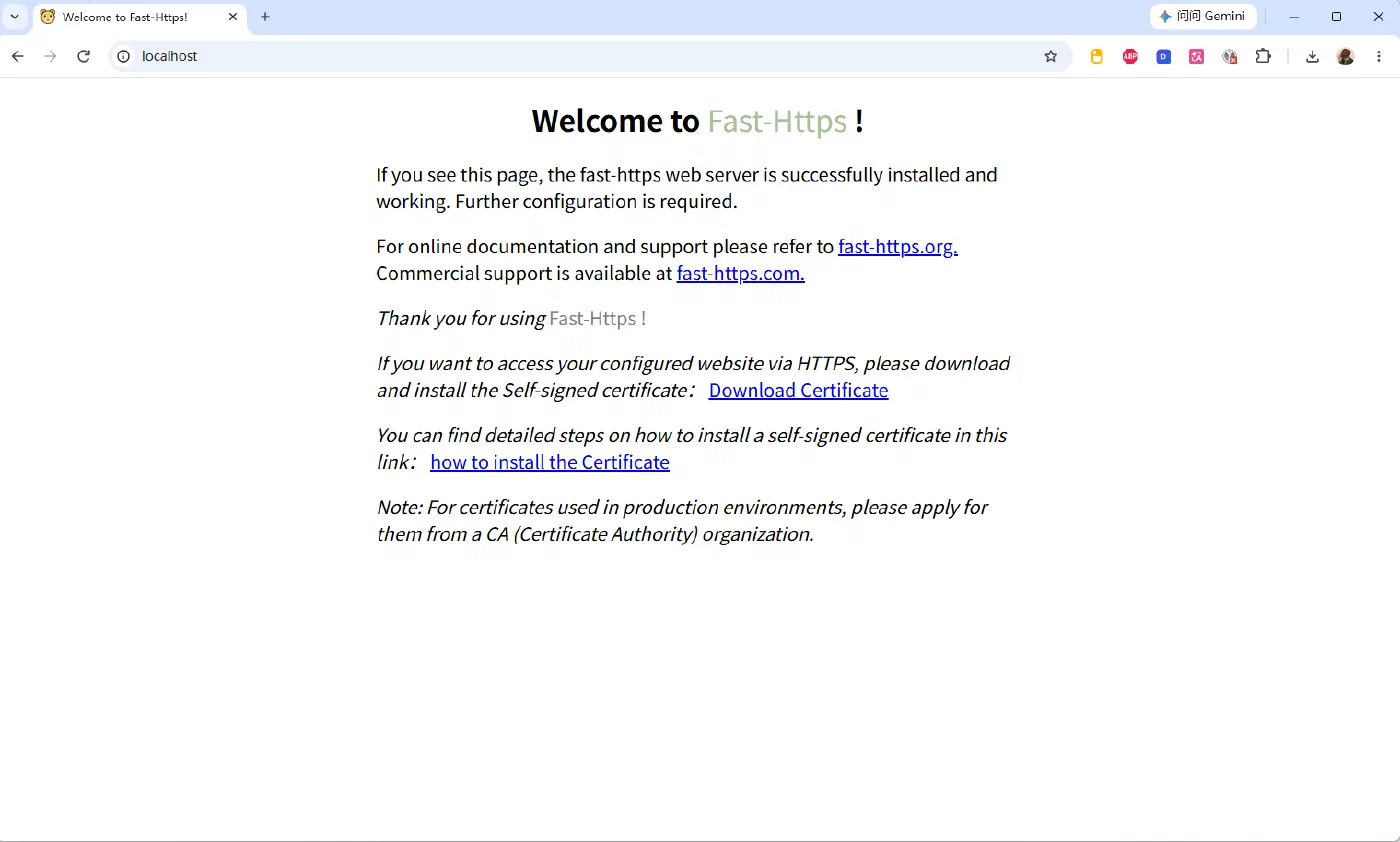
在浏览器访问 https://localhost,即可看到 Fast-Https 的默认启动页面:
至此,Windows 平台下的压缩包安装完成。